A good free metadata remover should delete the selected EXIF, IPTC or XMP fields without lowering image quality, changing the file format or uploading the photo unnecessarily. Before using one on an album, test a single image and compare its format, pixel dimensions and file size with the original.
Check for batch and daily limits
Check the product’s current listing and in-app screen for per-run, daily, format or export limits. Record the exact behavior you observe. A limit in one product is not evidence that every free tool has the same limit or motive.
Test with a disposable batch before selecting an important album. Confirm the number accepted, whether every output appears, and whether payment is requested before or after processing.
Check which actions require payment
Verify which exact actions are free: inspection, GPS-only removal, broader metadata removal, batch export and format preservation may be priced separately. Use the current product UI or listing rather than old reviews as the authority.
Check for watermarks and image re-encoding
Check whether the tested tool adds a watermark, changes dimensions, converts the format or recompresses the image. Do not assume those behaviors without testing. For a container-only metadata edit, byte-identical compressed image payload before and after is stronger evidence than appearance or file size.
Compare the result with the input: format, pixel dimensions, orientation, colour, and, where a suitable parser is available, the compressed image payload. File size can change because metadata was removed or container offsets changed, so size alone cannot prove either losslessness or damage.
Check the privacy label and network use
Read the current privacy label and policy, and observe whether the tested workflow requires upload or network access. Ads do not by themselves prove that photo contents are transmitted, and a privacy label does not prove offline operation; record only what the product and a repeatable network check establish.
How to check limits before installing
On the App Store, inspect the current In-App Purchases and privacy sections, then verify behavior with a synthetic photo. Reviews can suggest test cases such as “batch”, “watermark” or “subscription”, but they are not proof of the current build.
A free, local metadata remover for Mac
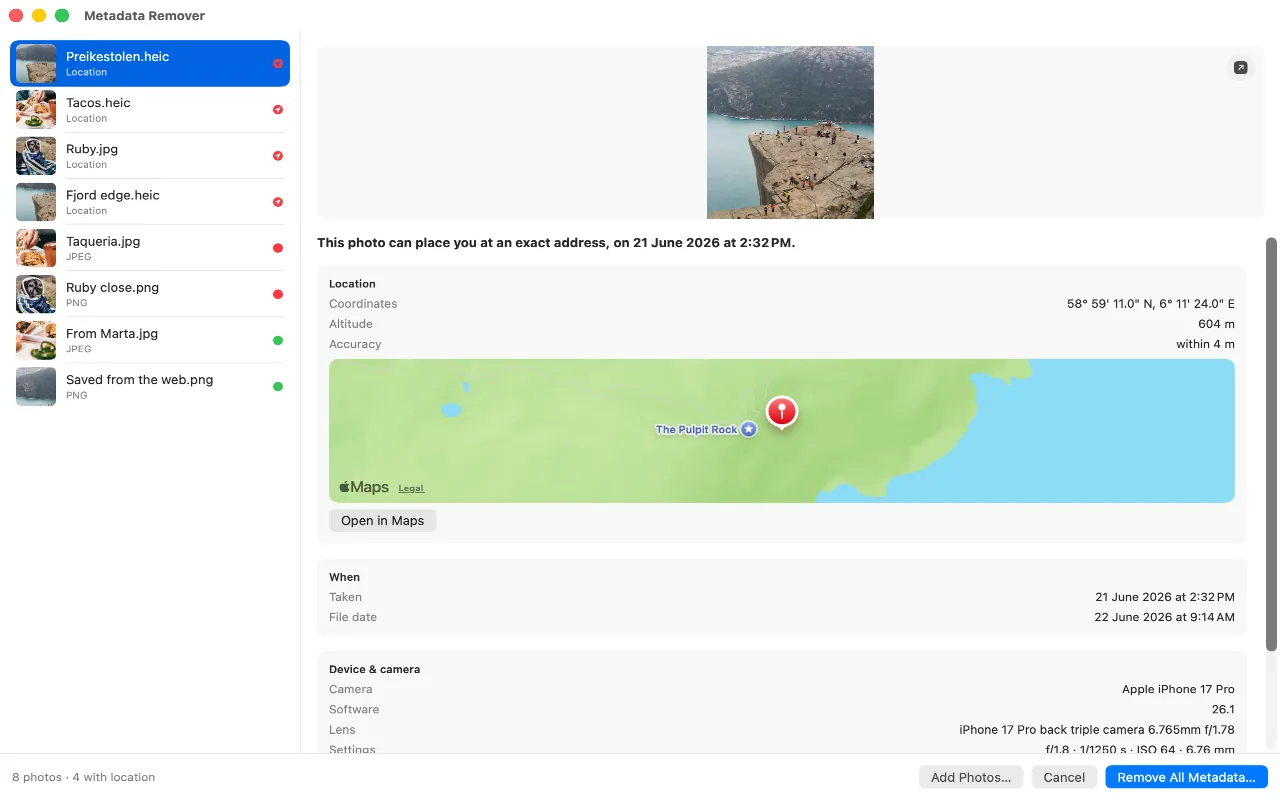
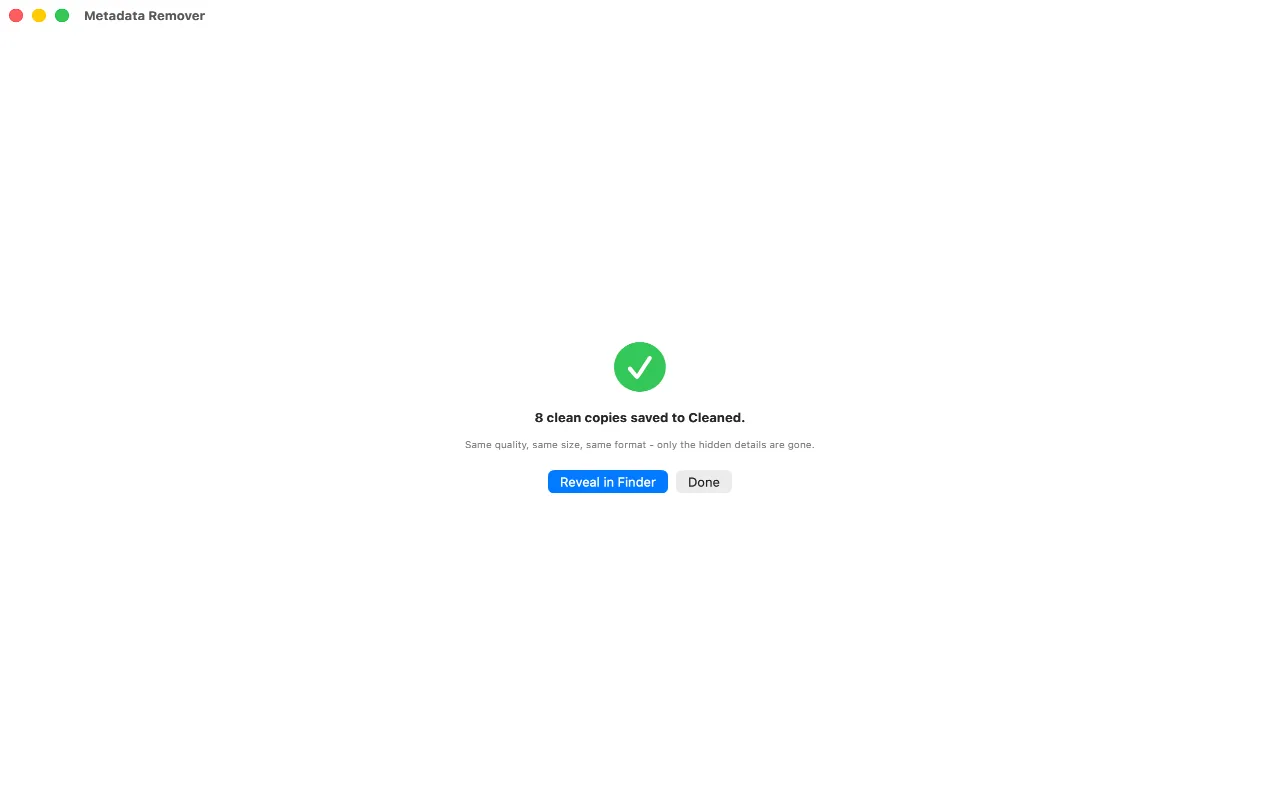
Metadata Remover currently has no paid tier or configured batch cap. Its engine tests cover JPEG, HEIC, PNG, WebP and TIFF fixtures and compare the compressed image payload before and after metadata removal. The output container’s total size is not promised to be smaller in every case.
It also carries no ads and no analytics, and nothing you open in it is uploaded. The one request it makes is for the map showing where a photo was taken, drawn by Apple, and a switch in Settings turns that off.
FAQ
How can it be free with no limits?
Because cleaning a photo costs nothing to run. There is no server, no storage and no per-photo expense, so there is no bill that a subscription would need to pay. It is a small tool by a small developer, and the other apps on this site are how that works out.
Is there a catch in the permissions instead?
No. It only sees files you choose in Finder or drop onto its window. It has no accounts, no analytics and no telemetry.
Will a free web tool do the same thing?
A server-processed web tool receives the file; a browser tool can instead process it locally. Check the specific tool’s documented architecture and network behavior. Never infer local processing merely from the absence of a visible upload progress bar.
